
Choose the window before adding the days
Any 12 months means a moving interval of calendar months. For a reference date of 8 October 2026, Passport Days checks 9 October 2025 through 8 October 2026, including both boundaries. The date a year earlier sits just outside that interval. Moving the reference date moves both boundaries, so the total can change even without a new trip.
A calendar year is only one possible slice of the travel history. Use it to sort your records, then check the moving interval for the absence count. A trip near December and another near the following summer may sit in different annual summaries while both contributing to one rolling count.
Calendar months also differ from a fixed number of days. A window that includes a leap day may be longer than one that does not. The calculator shifts the reference date back by 12 calendar months, clamps an unavailable month-end date, then starts on the next day. It does not substitute a fixed 365-day lookback.
Example: Sam’s winter and summer trips
Example: Sam leaves the UK on 1 December 2025 and returns on 2 March 2026. The whole days outside are 2 December through 1 March: 90 days. Sam then leaves on 1 July 2026 and returns on 1 October 2026. The whole days outside that time are 2 July through 30 September: 91 days.
On 8 October 2026, all 181 absence days fall inside the window from 9 October 2025 to 8 October 2026. That is one day above the 180-day line. Splitting the records at New Year gives 30 days in 2025 and 151 in 2026. Neither annual total reveals the combined rolling-window result.
Notice what happens at the trip boundaries. The departure on 1 December and the return on 2 March are not whole days outside. Including them would inflate this trip from 90 to 92 days. Counting dates strictly between departure and return avoids that common difference between a travel diary and an absence total.
Find the busiest window, not just the latest one
Your current count shows where you stand on the date you pick. Your highest window shows which rolling interval in your history held the most days away. After older dates leave today's window, the latest count can be lower than the maximum recorded earlier.
Enter the history you want to inspect before reading that maximum. An empty period in the records is not an extra trip, and omitted trips cannot contribute to the result. Keeping a complete departure-and-return list makes comparisons easier when you check a later date or correct a record.
The rolling rule applies to particular settlement routes, rather than every use of the term ILR. This guide uses the work-route counter. Older permission periods and some Long Residence absences have different arrangements. The five-year partner route and the EU Settlement Scheme should not be treated as copies of this work-route window.
How Passport Days counts it
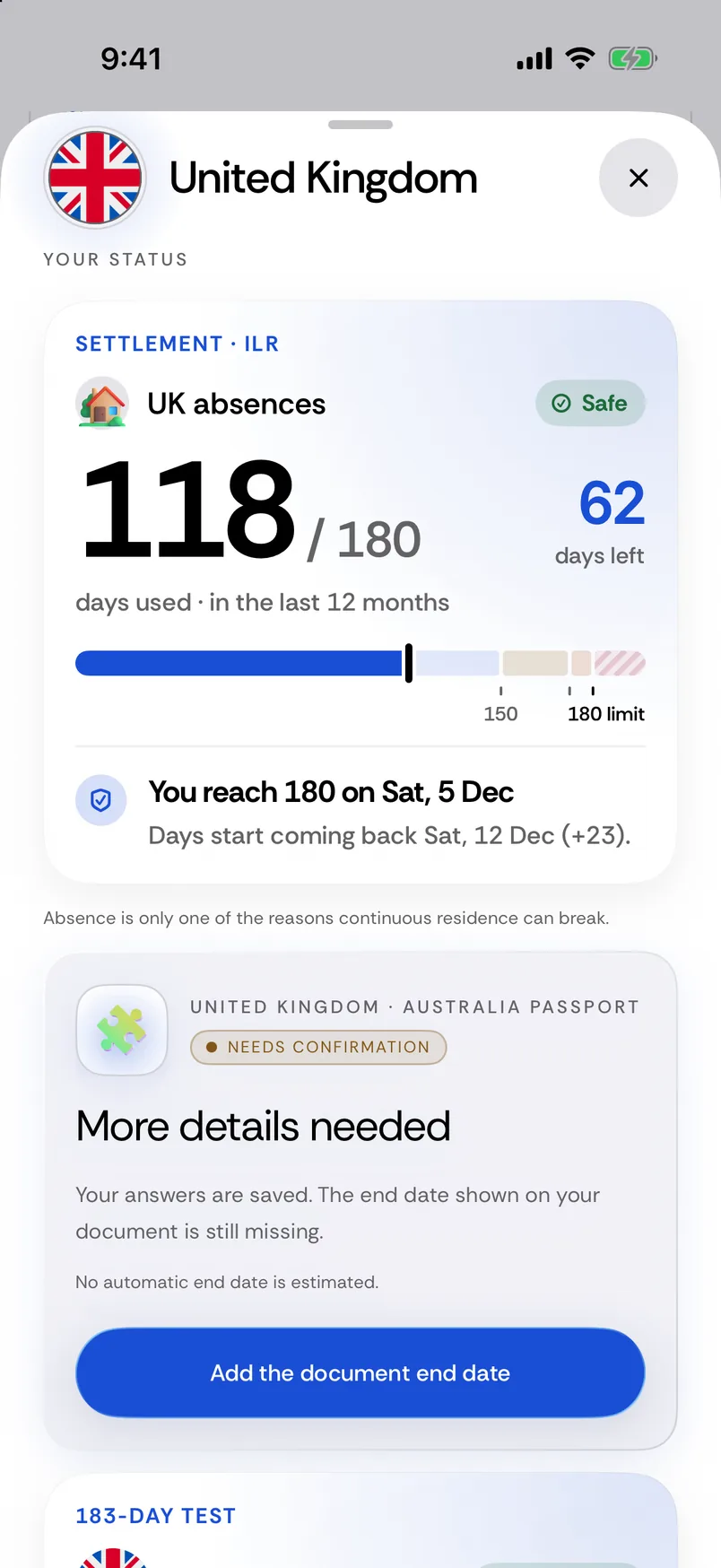
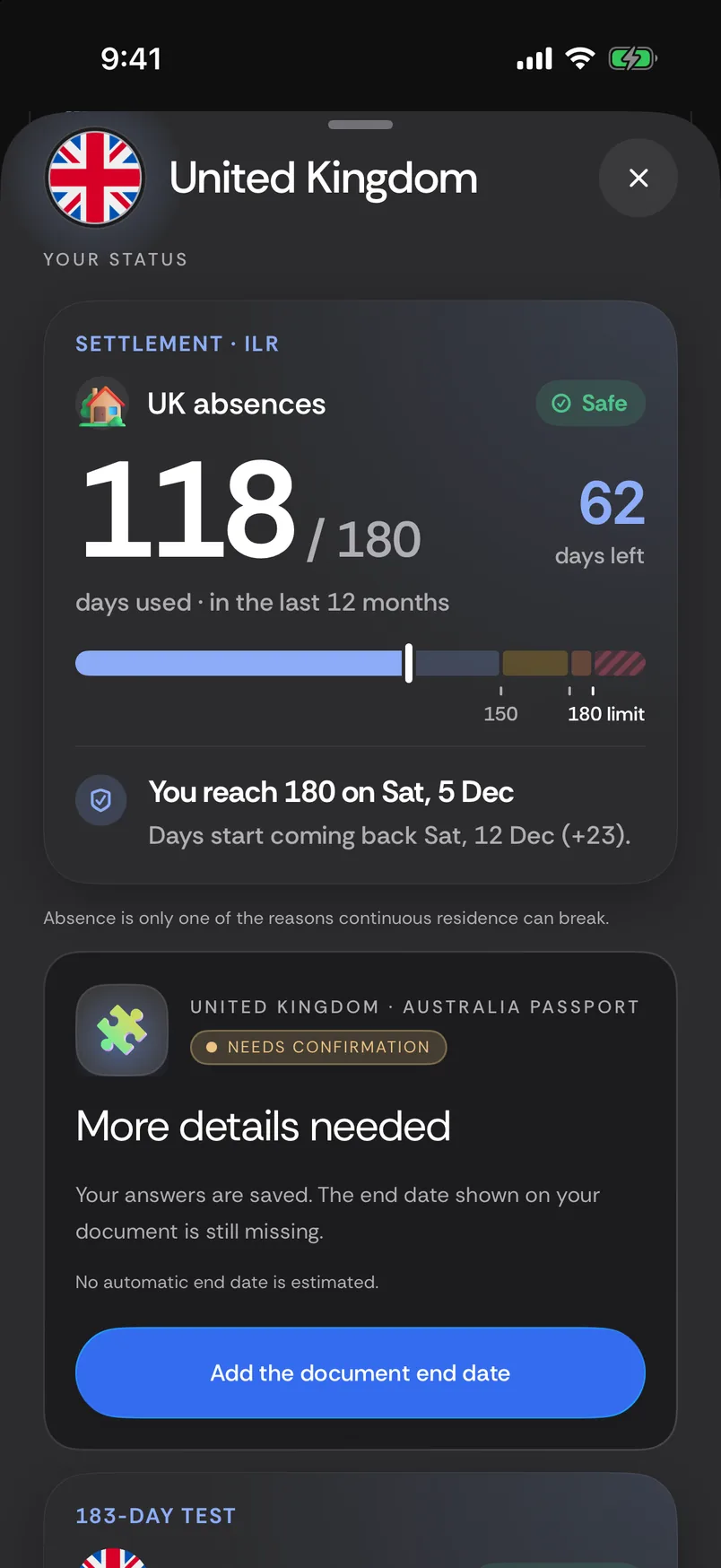
Passport Days counts the whole dates between departure and return. Overlapping trips still count each date once. Its UK absence view uses calendar-month windows and can show the highest recorded window alongside the current one. The calculator follows that same convention. A Friday departure with a Sunday return adds Saturday only; a departure followed by a return the next day adds no whole absence day.
Let Passport Days do this
Keep the count on your iPhone, with your trips already there. Counters and automatic tracking are Premium.
Keep the rolling count in view
See UK absence days, days left and days coming back from your recorded trips.
Bring your history with you
Automatic country tracking records travel as you go. Add or correct a trip whenever you need to.
Take your records with you
Share your travel history as CSV or a PDF summary, built on your phone.
Questions
Is the limit per calendar year?
No — for the rolling work-route count, It is 180 whole absence days in any 12 calendar months, so a window may cross New Year.
Does the day I leave the UK count as absent?
No. The departure and return dates are excluded from the whole-day absence total. Count only the dates between them.
Is every window exactly 365 days?
No. The calculator uses calendar months. A window can include a leap day, so a fixed 365-day interval is not a substitute.
Why can the worst window be higher than the current count?
The worst window searches the entered history. Older absence days may have left the current window while remaining part of an earlier maximum.